Homepage
The page that opens when someone types your web address, which introduces you and sends readers to the pages they need.
In plain English
Your homepage is a lobby, not the whole building. Its job is to say plainly who you are and where you work, then point a reader toward the right room: your track record, the markets you cover, the kinds of work you do, or one particular property. A homepage that tries to say everything often gets skimmed and forgotten.
It is also the page a machine reads first when it is working out who you are. That is a good reason to hold full sentences here rather than slogans, and to agree with what the rest of your pages say.
Why it matters
- A prospect arriving from a search or an AI answer often lands here first, so it has to identify you at once.
- Clear routes save a reader from hunting, and hunting can be why people leave without contacting anyone.
- The words on this page are among the most repeated about you, so plain and specific language serves you better.
What to do next
- Show your homepage to a colleague briefly and ask what you do and where; rewrite if the answer is vague.
- Link your main pages plainly from the homepage and keep the menu short.
- Put your name, property types and towns into the opening lines in ordinary sentences.
Your next client is checking you out.
UpliftCRE puts your deals, listings and market knowledge on a website AI can read, with an AI staff that keeps it current in ten-minute meetings.
Read the book first.
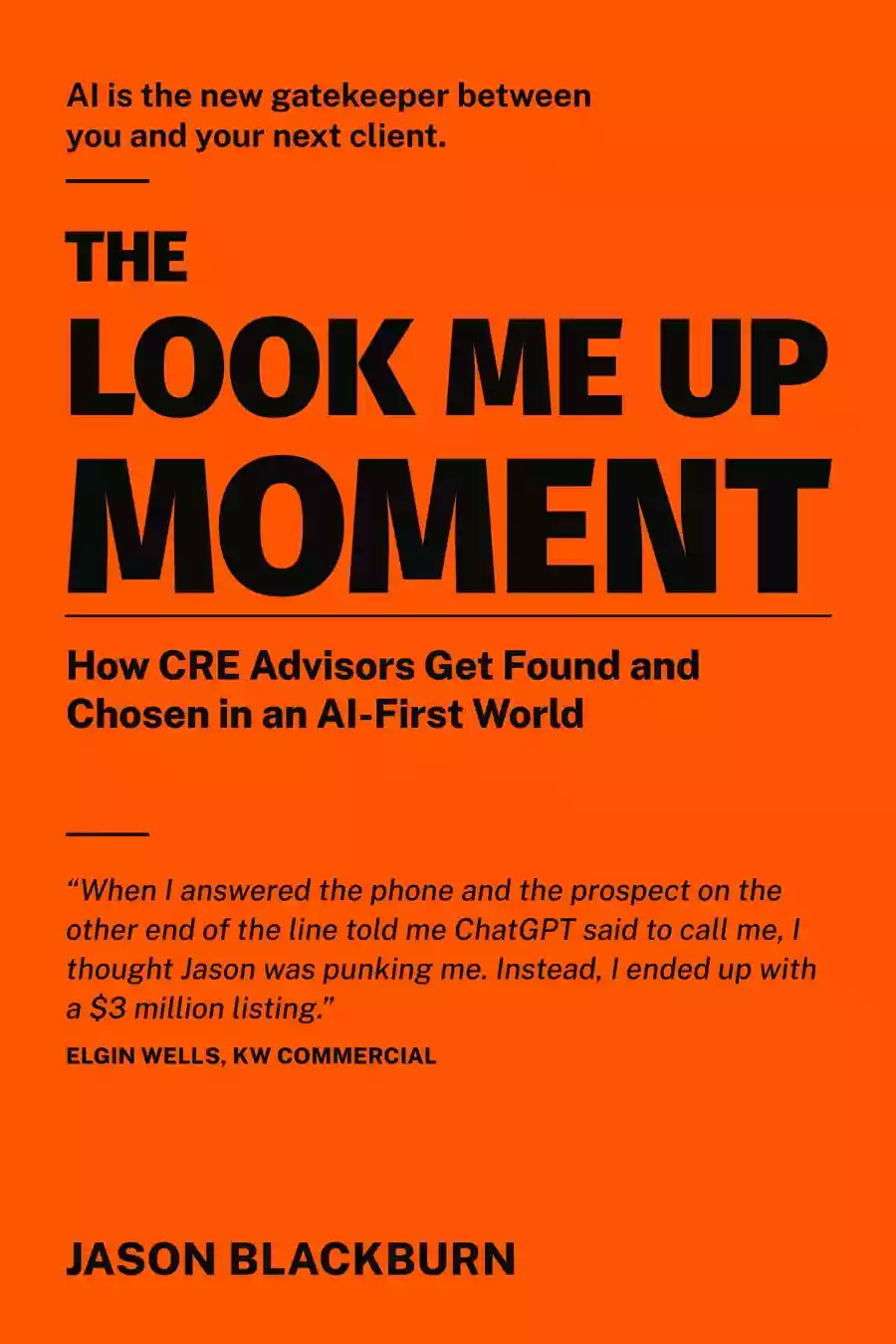
Before UpliftCRE was software, it was a story. The Look-Me-Up Moment follows Jake Ellis, a broker four years in, as he builds a prospecting engine the hard way. Read it in one evening. Start the system Monday.