
Dashboard
One screen that collects the numbers you watch most so you do not have to open several tools.
In plain English
A dashboard is a working screen rather than a report. It pulls a few counts together: visits, inquiries, listings in play, showings booked. It shows them in one place, so you can tell whether this week looked normal.
The limit matters more than the feature: a dashboard only displays what is tracked correctly and on purpose. If nobody configured the inquiry form, that number reads quietly low and no one notices the gap. A short list you keep by hand is often more accurate than a polished screen nobody has checked in a year.
Why it matters
- A dashboard hides whatever was never wired up, which is the part people forget.
- Few numbers watched steadily beat many numbers reviewed once a quarter.
- A hand-kept pipeline tells a solo advisor more about next month than a traffic screen does.
What to do next
- Pick the few counts that move your month and put them where you will actually look.
- Confirm that a person maintains each number on the screen before trusting it.
- Review it the same day each week and drop any figure that stops informing a decision.
Your next client is checking you out.
UpliftCRE puts your deals, listings and market knowledge on a website AI can read, with an AI staff that keeps it current in ten-minute meetings.
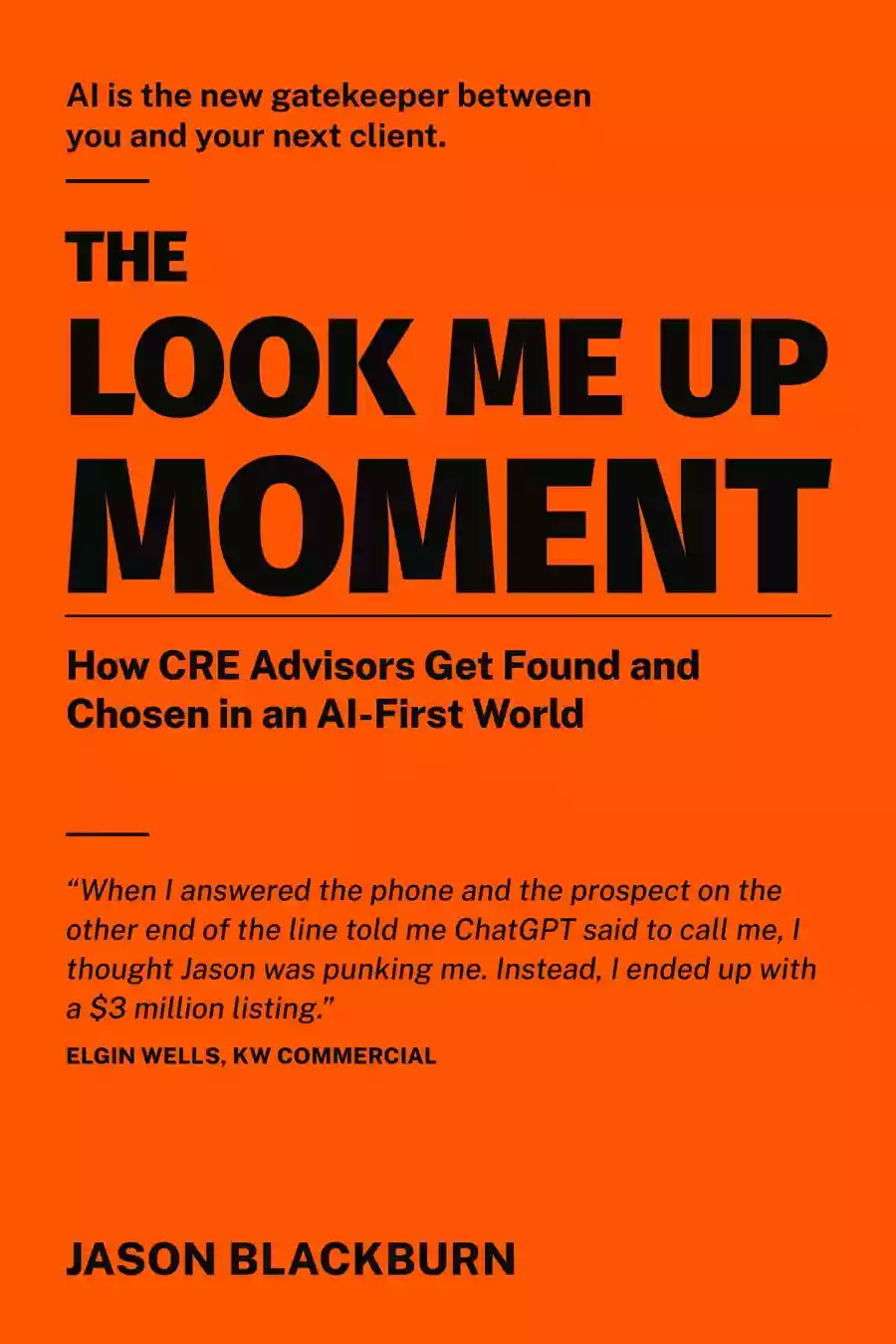
Read the book first.
Before UpliftCRE was software, it was a story. The Look-Me-Up Moment follows Jake Ellis, a broker four years in, as he builds a prospecting engine the hard way. Read it in one evening. Start the system Monday.