
Caching
Saving a finished copy of a page so the site does not have to rebuild it every time someone asks for it.
In plain English
A web page is often assembled when someone asks for it, like a report printed on request. Caching keeps a photocopy of the finished page and hands that out instead, so the next visitor is served sooner. When you change the page, the saved copy has to be cleared, or readers keep seeing the older version.
For an advisor the common effect is confusion rather than speed. You correct a listing detail, the page looks unchanged, and you assume your edit failed. Often, you are looking at the saved copy while everyone else sees the new version.
Why it matters
- Stale saved copies are a common reason an edit you made is not showing.
- Pages rebuilt on every request open more slowly for the reader.
- Knowing this exists saves a worry that your site is broken.
- A change nobody can see looks like a mistake until the copies are cleared.
What to do next
- Ask whoever maintains your site how to clear saved copies after you edit a page.
- Ask them to clear the cache for the page you changed, since a private browser window will not help when the saved copy sits on the server.
- Clear the copies rather than switching the whole feature off to see one edit.
- Write down the steps so the next edit does not become another mystery.
Your next client is checking you out.
UpliftCRE puts your deals, listings and market knowledge on a website AI can read, with an AI staff that keeps it current in ten-minute meetings.
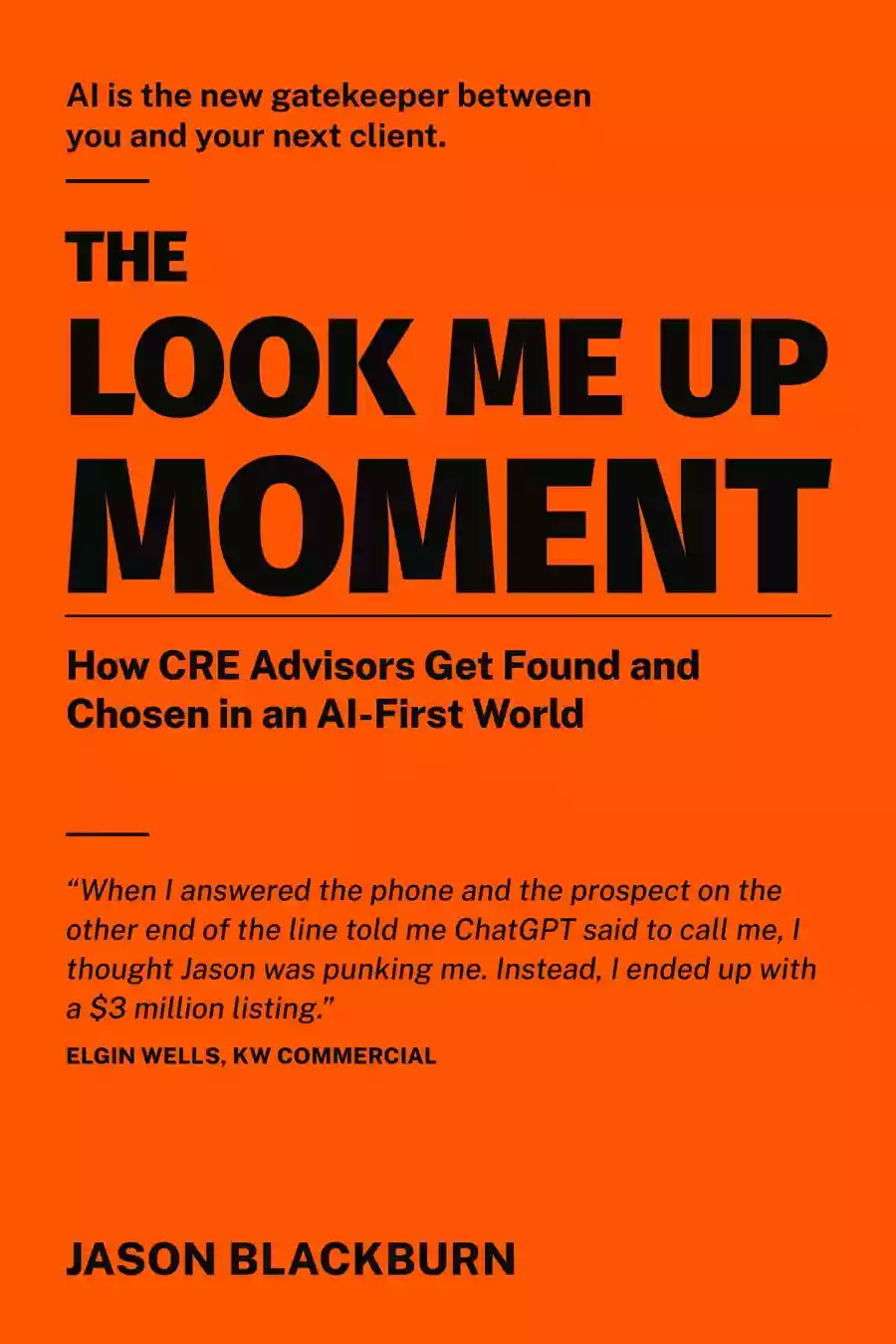
Read the book first.
Before UpliftCRE was software, it was a story. The Look-Me-Up Moment follows Jake Ellis, a broker four years in, as he builds a prospecting engine the hard way. Read it in one evening. Start the system Monday.