Accessibility
Building a site so people who use a keyboard or a screen reader can get what they came for.
In plain English
Some visitors cannot see a small photo, read light grey text on a pale background, or use a mouse. Accessibility means those visitors can still work with your site: a screen reader, which speaks the page aloud, can follow its structure, and every control can be reached from a keyboard alone.
The practical list is short. Photos carry written descriptions. Text is large and dark enough to read. Headings mark where sections begin, and links say where they go instead of saying click here. All of that helps a tired reader on a phone. Check your own analytics to see how many of your visitors read there.
Why it matters
- Low-vision readers, older readers and anyone on a phone all get the same information.
- A screen reader depends on the same written descriptions a machine uses, so a clear page serves both.
- Legal obligations vary by location and by what you do, and an attorney can advise on yours.
- An inaccessible page is simply a page some prospects cannot read.
What to do next
- Navigate your own site using only the keyboard and note where you get stuck.
- Run your home page and one listing page through a free web-based checker.
- Write real descriptions for photos and real labels for links.
- Ask for text contrast that stays readable in sunlight on a phone screen.
Your next client is checking you out.
UpliftCRE puts your deals, listings and market knowledge on a website AI can read, with an AI staff that keeps it current in ten-minute meetings.
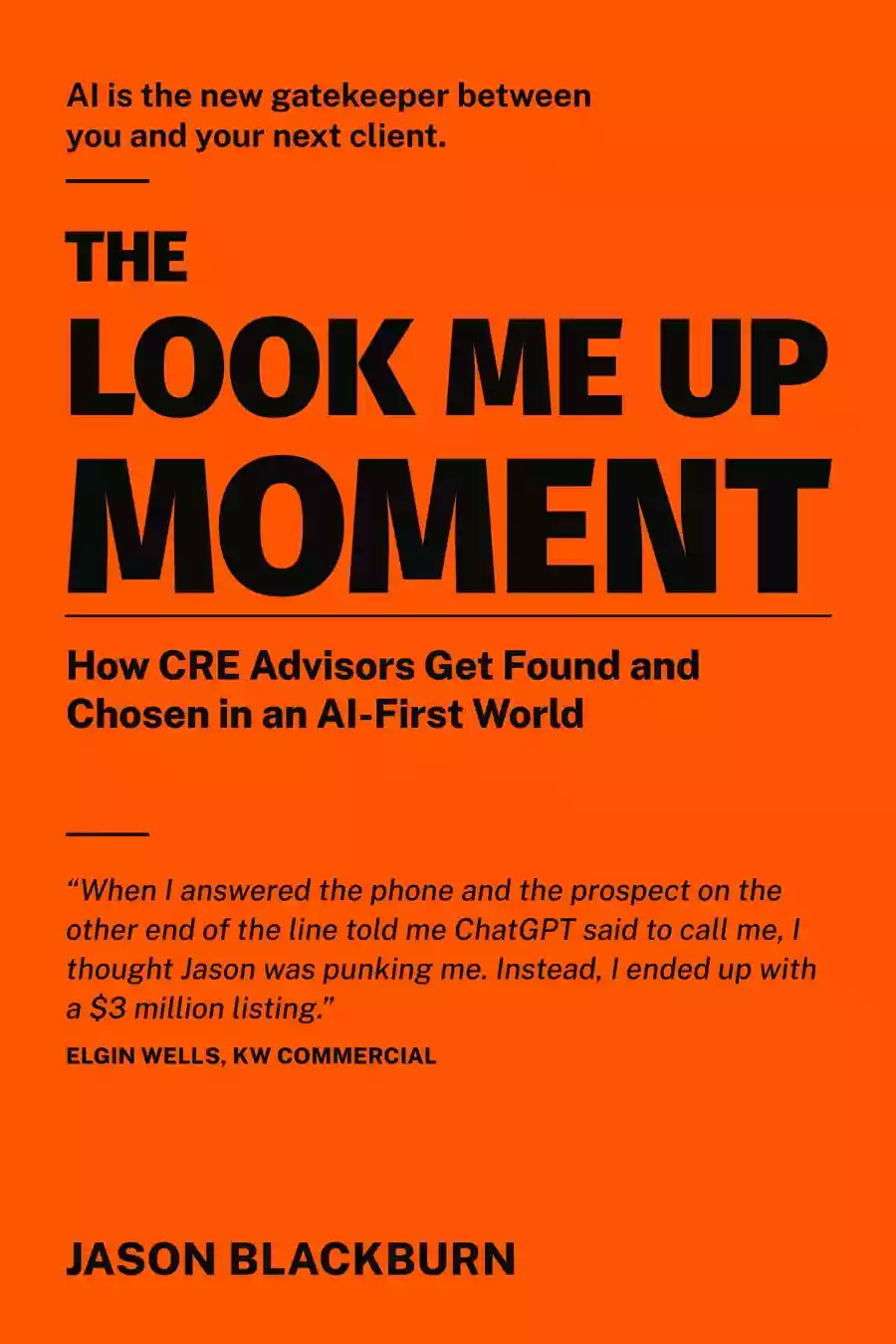
Read the book first.
Before UpliftCRE was software, it was a story. The Look-Me-Up Moment follows Jake Ellis, a broker four years in, as he builds a prospecting engine the hard way. Read it in one evening. Start the system Monday.